.svg)
.webp)



Most home services companies treat a completed job as the finish line. The technician wraps up, the invoice gets sent, and the team moves on to the next call.
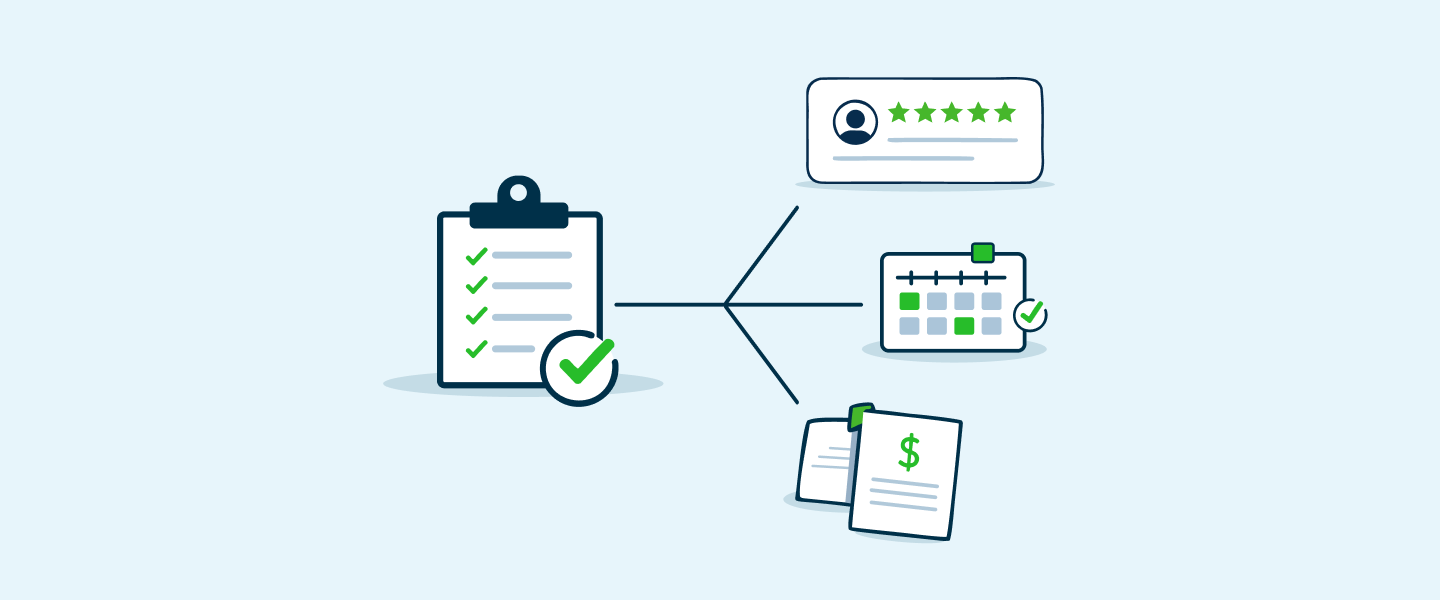
But for the highest-performing companies in HVAC, plumbing, pest control, and lawn care, the completed job is actually the starting line for a revenue engine. These companies have built post-job automation workflows that systematically turn a single service call into Google reviews, customer referrals, repeat bookings, and upsell opportunities, all without adding manual work to their teams’ plates.
The difference between a company that earns one transaction per customer and one that maximizes revenue per customer often comes down to what happens in the 48 hours after a technician leaves the property.
This playbook breaks down each step of the post-job automation workflow so you can build one that works for your business.
Why Post-Job Automation Matters More Than Ever
The home services market is projected to grow nearly 19% annually through 2026, which means more competitors are entering your service area every quarter. Customer acquisition costs keep climbing. And according to industry benchmarks, repeat customers make up roughly 60% of home services revenue).
That second number deserves attention. If the majority of your revenue comes from existing customers, then the return on improving your post-job follow-up process is significantly higher than spending more on lead generation.
Post-job automation is the system that makes this happen at scale. Instead of relying on individual technicians or office staff to remember follow-up tasks, automation handles the entire sequence, from feedback collection to review requests to rebooking reminders, consistently and on time.
Here is what a complete post-job automation workflow looks like, broken into five stages:

Let’s walk through each stage.
Stage 1: Customer feedback survey
The feedback survey is the foundation of the entire post-job workflow, and the timing is critical. If you ask for feedback too soon (while the technician is still on site), customers feel pressured. If you wait too long (days later), the details of the experience start to fade.
The sweet spot is one to two hours after the job wraps up. At that point, the customer has had time to inspect the work but the experience is still fresh.
What to automate
Send an NPS (Net Promoter Score) survey via text message automatically when the job status changes to “complete” in your field service software. The NPS question is simple: “On a scale of 0 to 10, how likely are you to recommend our company to a friend?” Follow it with one open-ended question asking what could have been better.
Why this matters for revenue
The NPS response determines what happens next in the automation sequence. Customers who score you a 9 or 10 (Promoters) are your best candidates for a review request and referral prompt. Customers who score you a 6 or below (Detractors) need a different path, one that routes them to your customer service team before they vent publicly.
This routing logic is what separates a thoughtful post-job workflow from a generic “blast everyone the same email” approach. To understand how NPS works and why it matters for home services specifically, check out our guide on decoding NPS.
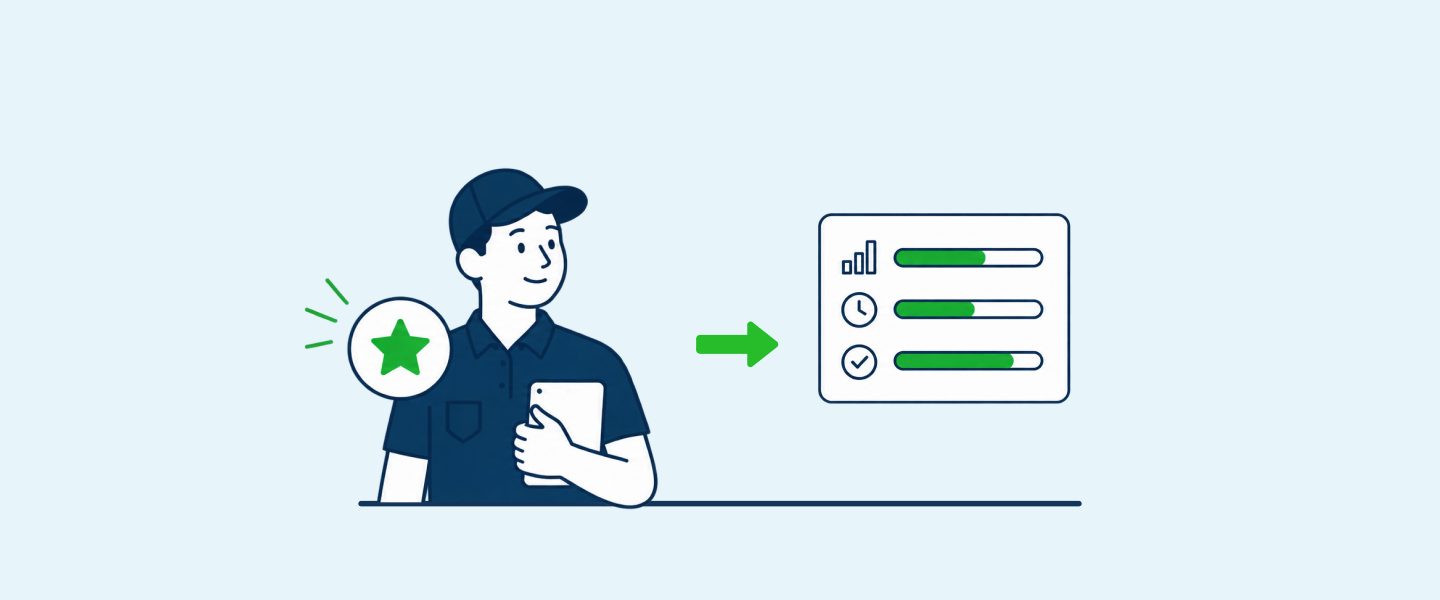
Pro tip: Match every survey response to the technician who completed the job. This gives you performance data at the individual level, not just the company level. When techs can see their own scores, it creates a natural feedback loop that motivates better performance over time.
Stage 2: Automated review request
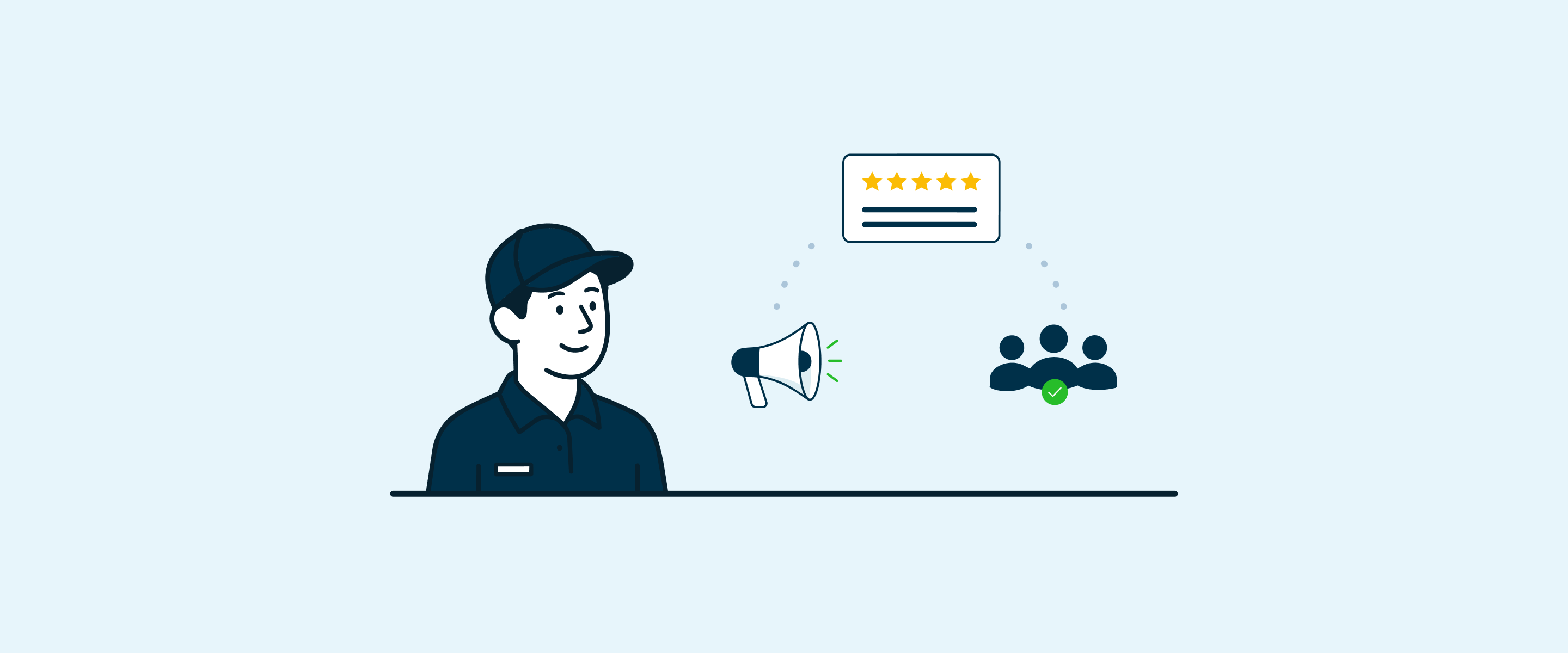
Online reviews are the single most visible trust signal for home services companies. According to review management data, automated review requests can boost response rates by up to 80% compared to asking manually or not asking at all.
Again, sending the review request shortly after service is crucial. You want the customer to have the clearest possible memory of how the service went. Optimally, they're still basking in the relief of having their problem finally resolved. Shoot to send the review request within 24 hours of service completion.
What to automate
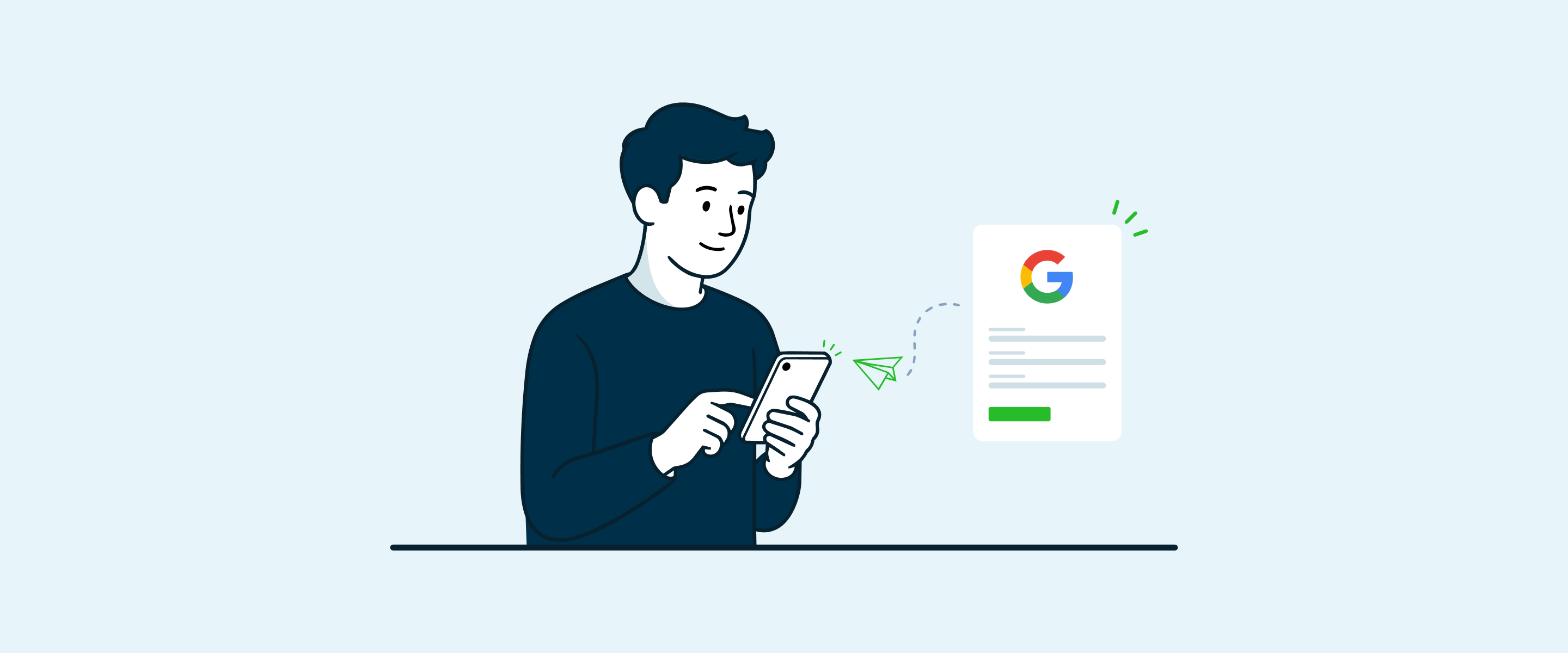
For customers who rated you a 9 or 10 on the NPS survey, trigger a text message (or email, though text outperforms email for review requests) with a direct link to your Google Business Profile review page. Make it as frictionless as possible: one tap, and the customer is writing a review.
For HVAC, plumbing, and other home services companies that depend on local search visibility, Google reviews are essential. But they should not be your only platform. Facebook reviews matter too, especially since over 51% of consumers use Facebook to research service providers.
What this looks like in practice

Real-world impact: One roofing company automated their review process and doubled their inbound leads after improving their Google rating from 3.5 to 4.7 stars. That kind of improvement does not come from asking technicians to hand out business cards. It comes from a system that asks the right customers, at the right time, through the right channel.
Wondering where the line is between encouraging reviews and violating Google’s policies? Here is ApplauseHQ’s breakdown of Google’s rules for incentivizing reviews.
Stage 3: Referral request
Most home services companies know referrals are valuable, but very few have a system for generating them consistently. The post-job window (which spans the week after service) is the highest-leverage moment to ask, because the customer just had a positive experience and your company is top of mind.
What to automate
Three to seven days after the job, send a referral prompt to customers who rated you well. The message should make referring easy: include a shareable link, a clear explanation of any referral incentive (discount on future service, gift card, credit toward their next visit), and simple instructions.
Why the timing matters
If you ask for a referral on the same day as the review request, it feels like you are asking for too much at once. Spacing it out by a few days keeps the engagement natural and avoids “request fatigue.”
Revenue impact of referrals
Referral customers typically convert at a higher rate and have a higher lifetime value than customers acquired through paid advertising. One home services company found that after launching a $50 credit referral program, referral work accounted for nearly half their sales within a single quarter).
That kind of growth transforms how a company’s entire revenue pipeline works.
Stage 4: Repeat booking and maintenance reminders
The window of time where you should start thinking about maintenance reminders is typically between 30-90 days after a tech completes their last job. A customer who just had their HVAC system serviced in March will likely need it serviced again before the cooling season starts. A lawn care customer who got a spring treatment should be reminded about summer applications. Pest control customers on quarterly plans need a nudge when it is time to schedule the next visit.
These are predictable, repeatable revenue opportunities, and they should never depend on a customer remembering to call you.
What to automate
Set up time-based triggers in your CRM or field service software that send rebooking reminders based on the service type and recommended service interval. Include a direct link to book online, and reference the specific service they had done previously.
Sample reminder schedule by trade

Why this stage drives the most revenue
Repeat bookings have the highest revenue-per-effort ratio of any stage in the post-job workflow. You are not spending marketing dollars to acquire a new customer. You are simply reminding an existing customer to come back for a service they already need. The cost is nearly zero and the close rate is high, because the customer already trusts you.
Stage 5: Upsell and cross-sell campaigns
The final stage of the post-job automation workflow focuses on increasing the average revenue per customer by introducing them to services they did not originally purchase. The best time to trigger an upsell message is maybe 10-30 days after you've already secured a repeat booking or maintenance reminder. Again, you do not want to overwhelm or nag your customer.
A plumber who fixed a leaky faucet might benefit from a whole-home plumbing inspection. An HVAC tech who performed a tune-up could recommend a duct cleaning or air quality assessment. A pest control company that treated for ants might offer a termite inspection.
What to automate
Build service-based trigger campaigns that send relevant upsell offers based on the type of job completed. These messages should be educational, not pushy. Frame the upsell as a recommendation that helps the customer protect their home or save money over time.
Sample upsell pairings

Revenue multiplier in action
When you combine all five stages, the math starts to compound. Here is a simplified example for a company completing 250 jobs per month:

These are conservative estimates. One analysis found that running all five key marketing automations together could generate $53,000 to $85,000 in additional annual revenue for a company with 1,000 customers and 250 jobs per year. For larger operations, the numbers scale proportionally.
How to build your post-job automation workflow
Knowing the stages is one thing. Actually building the workflow is another. Here is a practical approach to getting started without overhauling your entire tech stack.
Step 1: Audit your current post-job process. Map out what happens after a job is marked complete today. Who sends the invoice? Does anyone follow up? Are review requests going out? Identify the gaps.
Step 2: Start with Stage 1 and Stage 2. Feedback collection and review generation deliver the fastest, most visible ROI. Get these running first before adding referral and rebooking sequences.
Step 3: Connect your field service software to your communication tools. Your CRM, scheduling software, or field service management platform likely has automation capabilities or integrates with tools that do. The trigger for the entire workflow should be the job status changing to “complete.”
Step 4: Set up NPS-based routing logic. This is the most important piece. Different customers should receive different follow-up sequences based on their satisfaction score. Promoters get review and referral requests. Passives get a thank-you and a gentle nudge. Detractors get a service recovery call.
Step 5: Add stages gradually. Once feedback and reviews are running smoothly, layer in referral requests at the 3–7 day mark, then rebooking reminders, then upsell campaigns. Trying to launch all five stages at once creates complexity that leads to mistakes.
Step 6: Track and optimize. Measure each stage’s performance individually. Track review conversion rates, referral counts, rebooking rates, and upsell revenue separately so you know where to focus your optimization efforts.
The technician’s role in post-job automation
Automation handles the communication, but the technician still sets the stage for everything that follows. The quality of the service experience determines whether a customer opens that review request text or deletes it.
Top-performing companies invest in retaining their best technicians and creating feedback loops where techs can see their individual NPS scores, review counts, and customer comments. This visibility turns post-job automation from a marketing initiative into a company-wide performance system.
When a technician knows their NPS score affects their bonus, their recognition, or their standing on a performance leaderboard, they deliver better service. Better service leads to higher NPS scores. Higher NPS scores trigger more review requests and referral prompts. More reviews and referrals drive more revenue. The flywheel spins.
You can explore how real-time technician feedback drives this kind of performance improvement without adding work for managers.
Start building your revenue multiplier
Every completed job contains revenue potential that most home services companies leave on the table. A post-job automation workflow captures that potential systematically, turning satisfied customers into reviewers, referrers, and repeat buyers without requiring your team to remember a single follow-up task.
The companies that win in 2026 and beyond will not just be the ones with the best marketing or the lowest prices. They will be the ones with the best systems for extracting maximum value from every customer relationship they have already earned.
Start with feedback and reviews. Layer in referrals and rebooking. Add upsells over time. Measure everything. And watch your revenue per customer climb.
Ready to automate post-job follow-up to maximize revenue per job? Chat with our team about Applause.
.webp)